Topics Based on Market
Places to discuss things specific to certain markets
testing
Forums
-
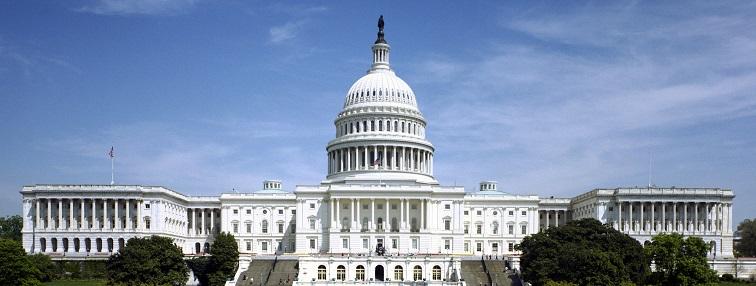
A place to discuss Government Contracting and doing business with the U.S. Federal Government and network with others in the same market. Relevant topics include news, trends, best practices, and questions.
- 2 posts
-
A place to discuss marketing and selling to other businesses. Relevant topics include enterprise selling, customer lifecycle, discovery, lead qualification, and closing the deal.
- 0 posts
-
A place to discuss doing business internationally (both B2G and B2B) and networking with professionals who do. Discussions about doing business with the US Government should go in the US B2G group. This group is for encouraging discussions about procurements that don't follow the US model and use different terminology. Relevant topics include notices, expressions of interest, tenders, invitations, qualifications, and bid management/writing.
- 0 posts
-
For discussion about the business, operation, and development of being a non-profit organization or non-government organization. Relevant topics include best practices related to grants, fund raising, and donor relationships. This is not a place for requesting donations. It is a place for learning about the process, sharing insights, and networking with others, learning from them, developing relationships, and exploring collaborations.
- 0 posts